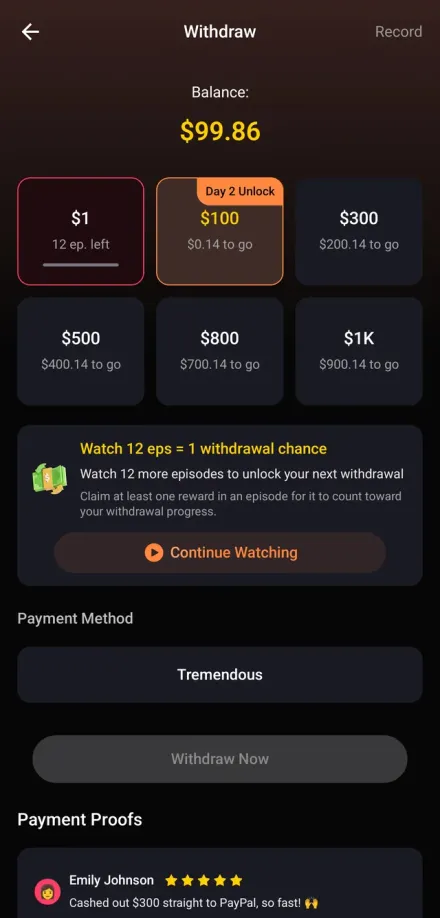
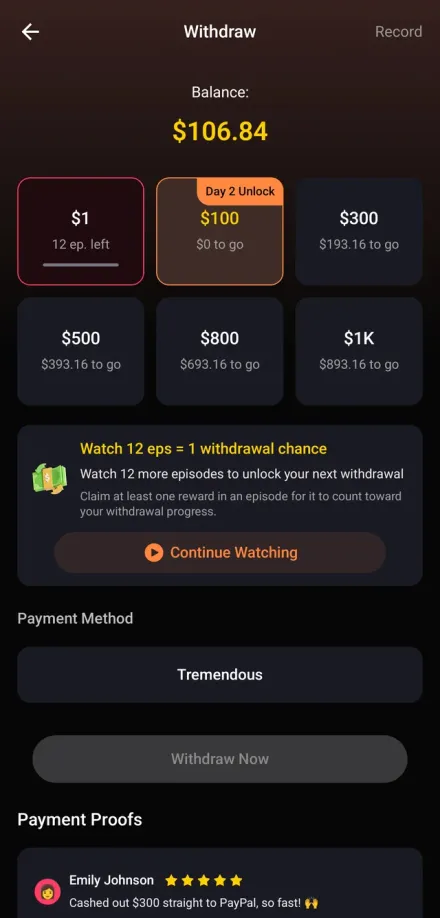
The biggest question around CashDrama is whether you can actually withdraw the $1 starter tier or the $100+ cards shown in its wallet. We tracked the Withdraw screen from $99.86 to $106.84—and found that hitting the dollar target still leaves the Withdraw Now button locked.
Why $1 and $100 stay locked even at $106.84
CashDrama's Withdraw screen displays six payout cards: $1, $100, $300, $500, $800, and $1K, with Tremendous listed as the payment method. At $99.86, the $100 card reads '$0.14 to go' under an orange 'Day 2 Unlock' badge, while the $1 card says '12 ep. left.'
Once our balance rose to $106.84, the $100 card updated to '$0 to go'—meaning the balance requirement was met—yet the 'Day 2 Unlock' tag remained and the 'Withdraw Now' button stayed grayed out and unclickable.
CashDrama on Google Play (com.reward.drama.earn.watch.tool)
The 'Watch 12 eps = 1 withdrawal chance' rule
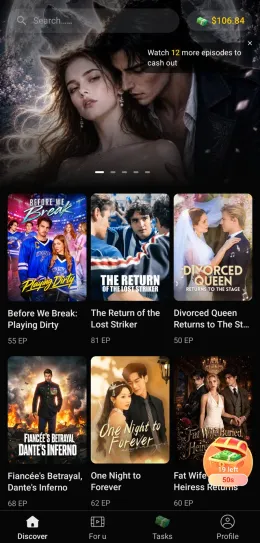
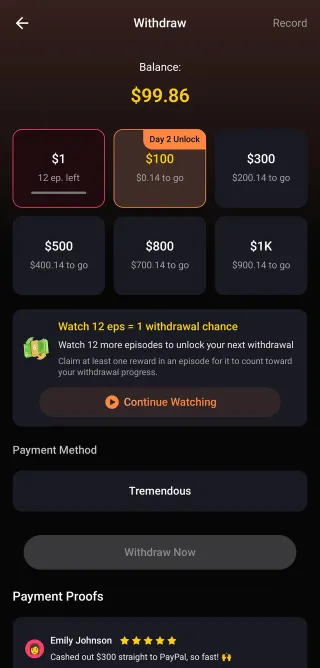
Below the payout grid, CashDrama states: 'Watch 12 more episodes to unlock your next withdrawal. Claim at least one reward in an episode for it to count toward your withdrawal progress.' This means even the $1 cashout is not automatic.
Because each counted episode requires claiming an in-episode reward (typically tied to ads or timers), users must sit through repeated ad cycles just to unlock a single withdrawal attempt—and community reviews report additional tasks or delays appearing afterward.
What happens with the $300 to $1K tiers
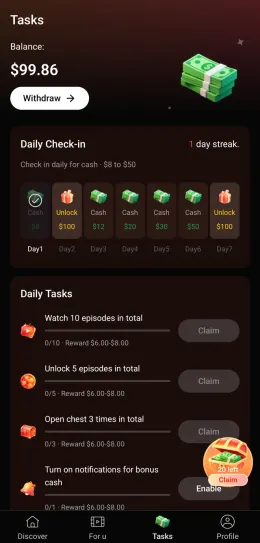
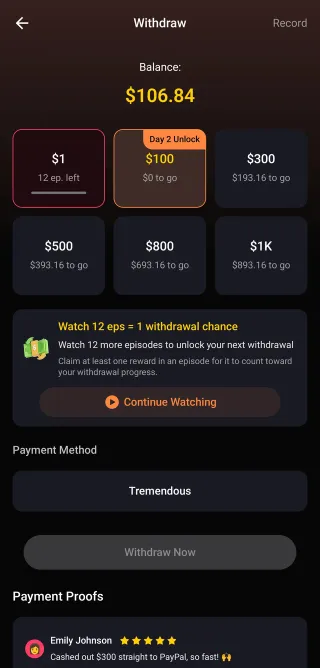
The $300, $500, $800, and $1K cards act as visual anchors. Even if early tasks hand out $6–$8 in virtual balance, payout-wall apps typically throttle earnings or stack consecutive-day streaks and episode quotas as soon as a user approaches a real cashout.
How to get started
- Open the Withdraw tab from the Tasks screen to view your current balance and active locks.
- Check the '$1' card for the remaining episode counter ('12 ep. left') and reward-claim requirement.
- Verify whether the '$100' card still displays 'Day 2 Unlock' even after reaching '$0 to go'.
- Note that 'Withdraw Now' remains disabled until every hidden or timed condition is cleared.
- Stop before spending days watching ads if the $1 test withdrawal fails to process.
What works well
- Shows a low $1 nominal card alongside higher $100–$1K tiers.
- Displays the payment method label (Tremendous) directly on the wallet page.
What to keep in mind
- Reaching $106.84 ('$0 to go' on $100) does not enable the Withdraw Now button.
- Even the $1 option requires watching 12 episodes and claiming in-episode rewards first.
- No verifiable public proof that $100–$1K withdrawals actually settle.
The apps308 take
CashDrama's withdrawal system is built around stacked locks: high virtual balances appear fast, but '12 ep. left' and 'Day 2 Unlock' keep the Withdraw Now button disabled. Do not rely on it for real cash.
Frequently asked questions
How do you withdraw $1 on CashDrama?
The Withdraw screen requires watching 12 episodes and claiming at least one reward per episode to unlock one withdrawal chance via Tremendous—and we could not confirm that a live payout completes.
Why can't I withdraw $100 on CashDrama when my balance is over $100?
Even at $106.84 ('$0 to go'), the $100 card stays gated by the 'Day 2 Unlock' badge and the 12-episode withdrawal-chance requirement, keeping 'Withdraw Now' disabled.
Does CashDrama pay via PayPal or Tremendous?
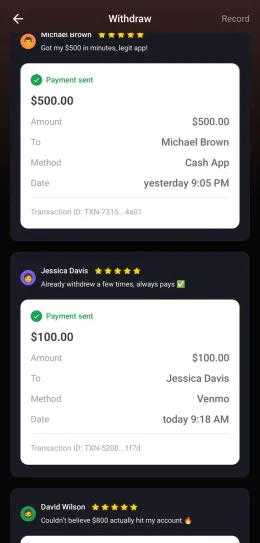
The Payment Method field lists Tremendous, while the bottom Payment Proofs section claims PayPal, Cash App, and Venmo payouts—none of which we could independently verify.