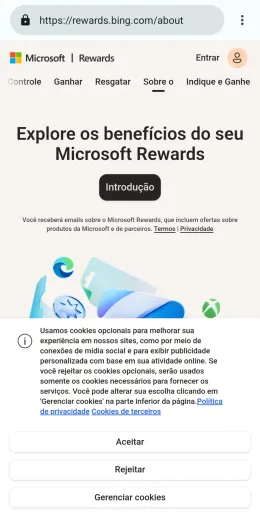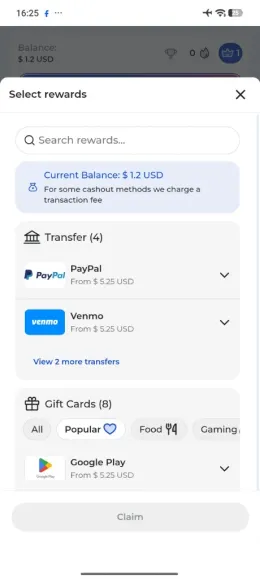
Microsoft Rewards uses points that can be exchanged for eligible rewards. Before changing your browsing habits, look at the reward catalog available to your account and decide whether those rewards are useful to you. Points themselves do not have cash value.
Start with the reward, then consider the effort
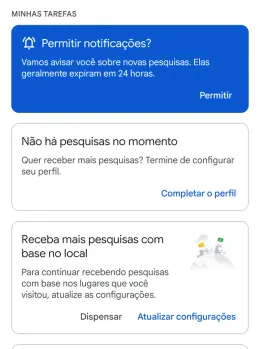
Microsoft documents several ways to earn points, including eligible activities associated with its services. The available activities and catalogs differ by region. A screenshot from another country is not a guarantee of the same offer in your account.
Check the number of points needed for an item you actually want in our dedicated Microsoft Rewards catalog, points value, and stamps guide. Then compare that with the activities you would normally do. Spending money purely to obtain points can cost more than the benefit you receive.
Microsoft Rewards Approximate Points Reference (Varies by Region & Level)
| Catalog Item / Factor | Typical Referential Range | What Determines Your Exact Rate |
|---|---|---|
| Microsoft & Xbox Gift Cards | ~1,000 points ≈ $1.00 USD (referential US benchmark) | Lower point cost per dollar than third-party brands; Level 2 accounts often see better rates |
| Third-Party Partner Gift Cards | ~5,000–6,500+ points for $5-tier cards (regional example) | Higher point requirement than Microsoft/Xbox cards; availability varies by country and Level 1 vs. Level 2 |
| Daily Streaks & Stamps / Punch Cards | Bonus points after consecutive days or task sets | Depends on active dashboard promotions in your region; missing a day resets streaks |
Redemption is an account-specific step
Use the official Rewards dashboard to review the current redemption instructions. Microsoft advises users not to use a VPN when redeeming points. Do not automate searches, use misleading location information or share your sign-in with someone promising a shortcut.
Redemption may require confirmation with a mobile or landline number; VoIP numbers are not accepted. Check that your chosen reward is still available and that you are in the same region as your account.
How to track delivery of a reward
After redeeming, open Redeem > Order history and check the status. The confirmation email can also help you find your reward. If it does not arrive, use the resend option in your order history.
Check timing in the order and the conditions for the item you chose. A gift card and account credit have different delivery methods; accumulated points are not yet a redeemed reward.
How to get started
- Open the official Microsoft Rewards page and read the information for your region.
- Sign in with your own Microsoft account if you choose to participate.
- Review available activities and the catalog before spending time earning points.
- Read the conditions for a specific reward, including any verification required.
- Redeem only when the details and account match your intention.
What works well
- An official dashboard for tracking eligible points.
- Rewards may fit habits you already have.
What to keep in mind
- Points are not cash and local catalogs vary.
- Offers, point requirements and eligibility can change.
The apps308 take
Review your own catalog first. The program makes more sense when useful rewards fit activities you already want to do.
Frequently asked questions
Are Microsoft Rewards points money?
No. Microsoft explicitly says points do not have cash value. They are used within the program for eligible rewards.
Are the same rewards available everywhere?
No. Microsoft says offers and redemption catalogs vary by region.
How do you get stamps and daily streak bonuses in the Microsoft Rewards catalog?
Stamps, puzzle pieces, and daily streak bonuses appear inside eligible promotional cards on your official Microsoft Rewards dashboard. Complete each listed daily activity or search requirement consecutively—missing a day resets streak progress—and check your Redeem catalog to see how many points Level 1 vs. Level 2 rewards require in your country.
Where can I find my reward code?
Open Redeem > Order history and select the reward details. You can find the available code or link there and resend the confirmation email.