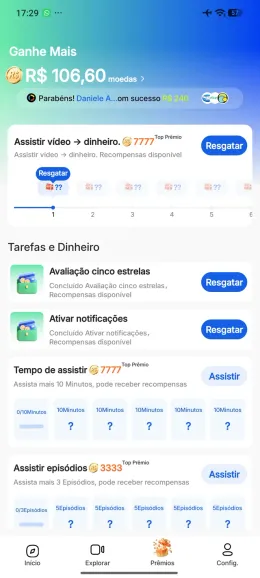
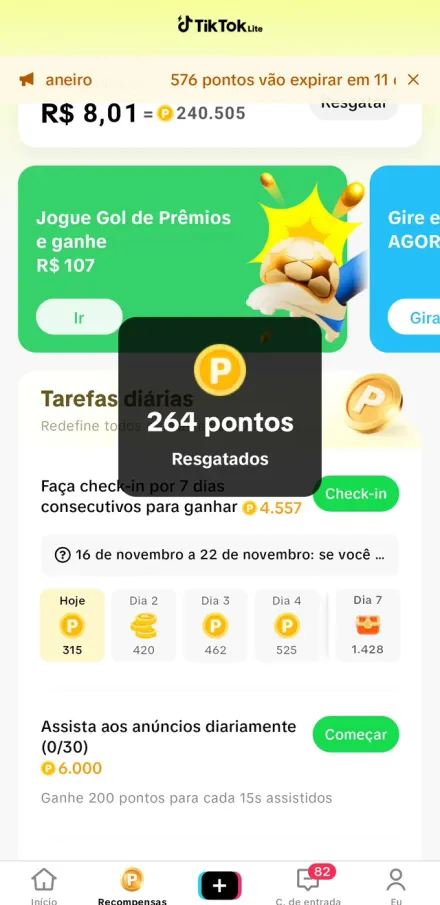
Editorial transparency: some links and invite codes on this page are affiliate or referral links. We may earn a commission or referral bonus at no extra cost to you. Our reviews and verdicts remain independent. Terms & Disclaimer.
If you are setting up TikTok Lite for the first time, you can start through the invitation link below or enter invite code DL70959891 (often shared as #DL70959891 — enter DL70959891 without the # symbol in the app). Referral rewards are strictly limited to eligible new accounts and devices, and the reward rules vary by country and active campaign.
TikTok Lite invite code DL70959891 and how to apply it
When you open the invitation link https://www.tiktok.com/d/4/ZS9fcGCx9xhYn-v2KXS/ on a mobile phone, TikTok routes you to the TikTok Lite referral landing page carrying invite_code=DL70959891 and prompts you to install or open the app. Using the link first is the simplest route when the referral attaches automatically.
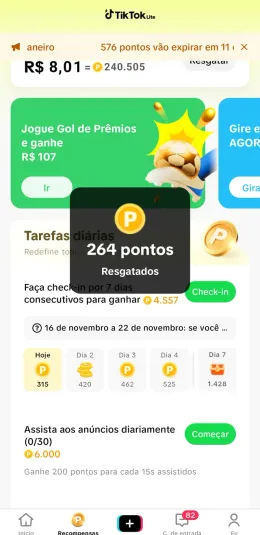
If the app asks you to type the code manually after signing up, open the Rewards tab (gold coin icon) or tap Profile and select the Rewards banner. Look for the field labeled Invitation Code or Enter Referral Code, paste DL70959891 without the hash symbol, and confirm.
Download TikTok Lite with code DL70959891
TikTok Support: Referral Program
How to get started
- Open the TikTok Lite invite link on your smartphone before installing the app.
- Confirm you are downloading the official TikTok Lite app by TikTok Pte. Ltd. on Google Play.
- Create a brand-new account using an email or phone number not previously linked to TikTok and confirm you meet the age requirement.
- Open the Rewards (coin) tab within 24 hours; if prompted for an invite code, enter DL70959891 (without #) and confirm.
- Review the active campaign checklist in your Rewards page and complete any required daily watch or check-in steps.
What the invite screen shows vs. real new-user eligibility
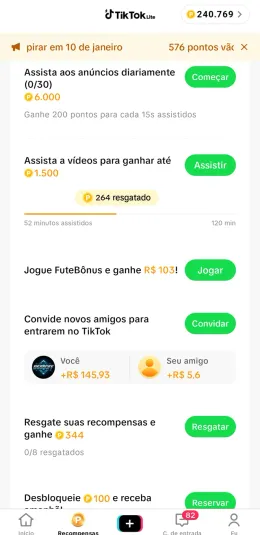
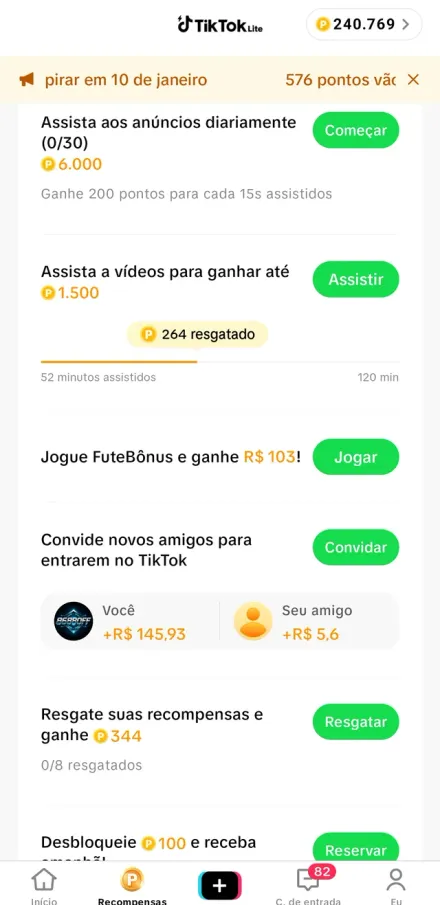
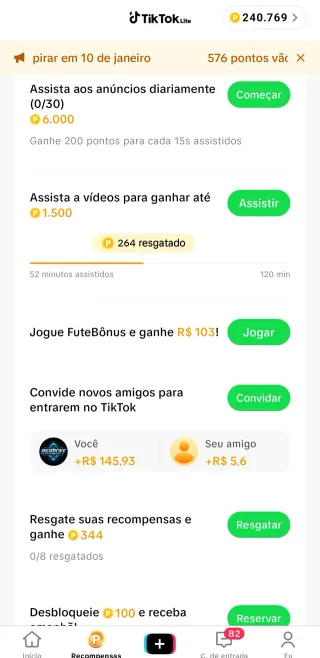
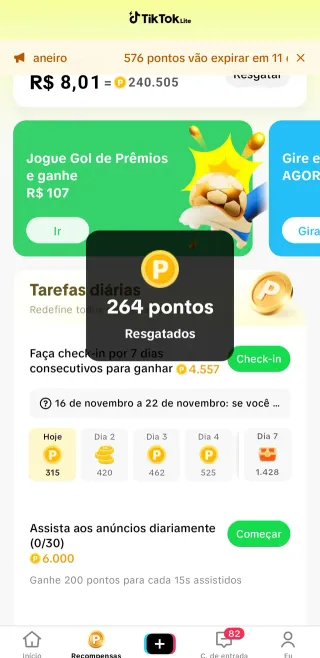
In the Brazilian TikTok Lite screenshot captured on 16 November 2026, the Invite Friends card displays +R$ 145,93 for the inviter and +R$ 5,6 for the invited friend. Those figures are campaign-specific examples in Brazilian Reais on that date, not a global guaranteed payout.
To qualify for any referral reward, TikTok generally requires you to be at least 18 years old, create a brand-new account on a device that has never installed TikTok or TikTok Lite before, and enter the code within the campaign window (typically within 24 hours of registration). Full referral bonuses are often unlocked gradually as the new user watches videos or checks in for consecutive days.
Why the invite code box is missing or shows an error
The most common reason the code box never appears is device history: if TikTok or TikTok Lite was previously installed on the same smartphone, anti-fraud checks usually disable new-user invite fields even if you register with a new email address. Missing the initial 24-hour entry window or setting an underage birth date also hides the field.
Connection errors and validation blocks can also happen when using a VPN, shared public Wi-Fi, or cross-region accounts. Switch to mobile data, disable any VPN, update TikTok Lite on Google Play, and check that the Rewards tab is active in your country (note that TikTok Lite rewards are discontinued in the European Union).
TikTok Support: Referral Program
Common outcomes when entering TikTok Lite code DL70959891
| Situation | What happens in the app | Recommended check |
|---|---|---|
| New user on a new device (18+) | Invite link or manual box binds DL70959891 | Complete daily check-in and watch tasks shown in Rewards |
| Phone had TikTok or TikTok Lite before | Code box is hidden or rejected as ineligible | Only one new-user referral is allowed per device |
| Account older than 24 hours | Manual invite input option disappears | Check Rewards tab for regular daily tasks instead |
| VPN active or cross-country invite | Network error or unsupported region notice | Turn off VPN and verify local campaign availability |
What works well
- Works either through the direct invite link or by pasting DL70959891 manually when eligible
- Official Google Play distribution (package com.zhiliaoapp.musically.go by TikTok Pte. Ltd.)
What to keep in mind
- Strictly restricted to new accounts on devices with no prior TikTok Lite install
- Reward amounts, currencies, and task rules change by country and campaign
The apps308 take
If you have never installed TikTok Lite on your phone, using the invite link and code DL70959891 is the cleanest way to tie a referral to your new account. Always check the local terms inside the Rewards tab before expecting a specific payout.
Frequently asked questions
Should I type #DL70959891 or DL70959891 in TikTok Lite?
Type DL70959891 without the # symbol. When shared in posts, people often write #DL70959891, but the invite link parameter uses invite_code=DL70959891.
Can I use a TikTok Lite invite code on an existing account?
Usually no. Referral code entry is restricted to brand-new accounts within a short window after sign-up on an eligible device.
Why does the invite code field not show up on my phone?
Most often because the phone already had TikTok or TikTok Lite installed previously, the sign-up window expired, the account is under 18, or reward campaigns are not active in your region.
Do I get the reward immediately after entering DL70959891?
Campaigns typically require new users to complete verification steps such as daily check-ins or watching videos for several days before full bonus tiers unlock.