Editorial transparency: some links and invite codes on this page are affiliate or referral links. We may earn a commission or referral bonus at no extra cost to you. Our reviews and verdicts remain independent. Terms & Disclaimer.
Answering surveys online should be an efficient use of spare time, not a frustrating cycle of endless disqualifications. Prime Opinion solves this with three distinct survey filter tabs, community rating scores, and recurring bonus boosters that lift base payouts by 25% or more.
Filtering for efficiency: Best Match vs. Short Surveys
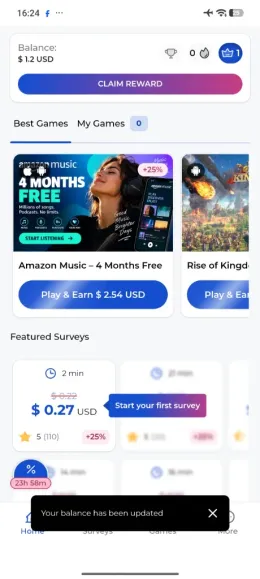
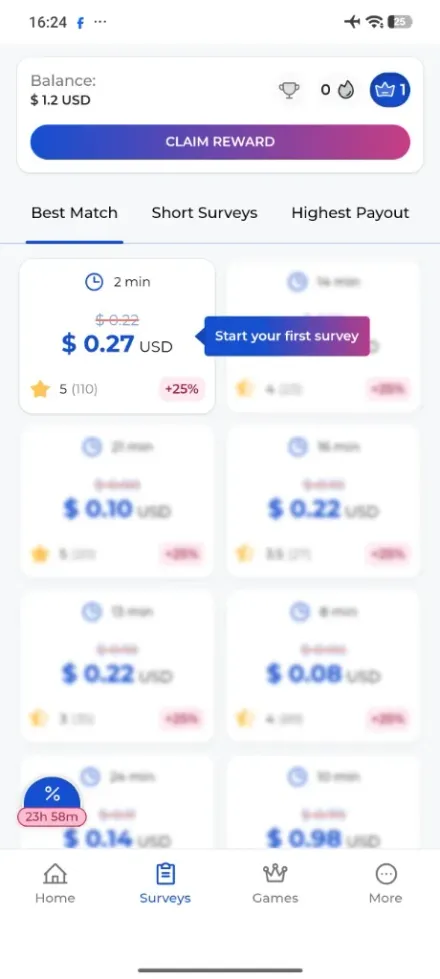
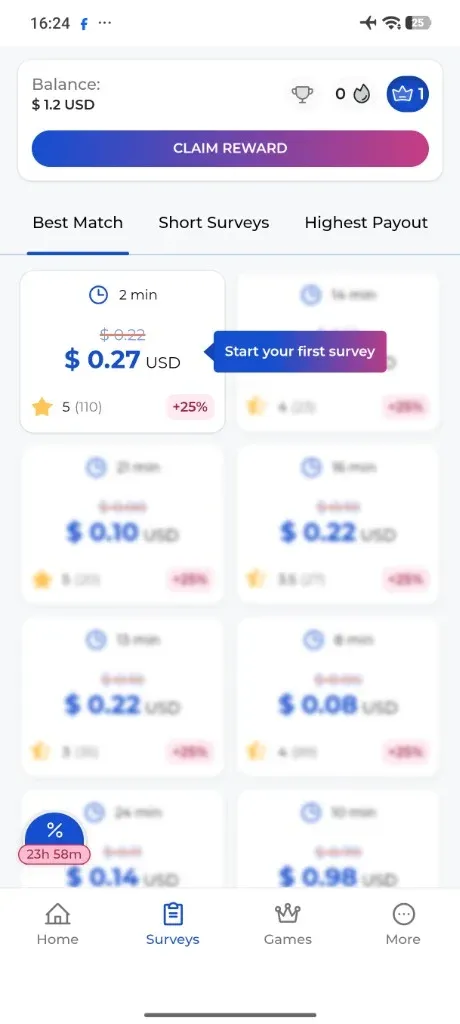
The Surveys tab in Prime Opinion separates live inventory into three sorting views: Best Match, Short Surveys, and Highest Payout. Switching to Short Surveys highlights compact questionnaires that can take around 2 minutes and pay figures such as $0.27 USD on eligible cards.
Short questionnaires reduce opportunity cost during brief breaks. If a 2-minute screener fills its quota early, you lose seconds rather than fifteen minutes—making Short Surveys and Best Match the most consistent combination for everyday users.
Start completing 2-minute surveys on Prime Opinion with code ALNTFL
Prime Opinion survey filters at a glance
| Filter tab | What it prioritizes | Typical trade-off | Best time to use |
|---|---|---|---|
| Best Match | Surveys aligned with your historical profile and approval rate | Moderate length; payouts vary by study | Default starting tab for steady sessions |
| Short Surveys | Quick 2-to-5-minute studies (such as $0.27 USD cards) | Smaller payout per survey, lower time risk on screen-out | Commutes, short breaks, or building streak momentum |
| Highest Payout | Longer questionnaires with higher dollar totals | Stricter screener quotas and higher chance of late disqualification | When you have 15+ uninterrupted minutes and see 4.5+ stars |
Understanding promotional boosters and star ratings
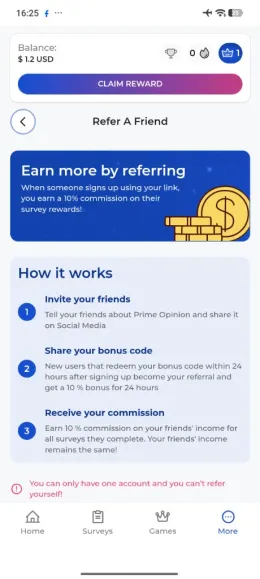
Prime Opinion periodically attaches promotional booster tags (such as +25%) to selected questionnaires, lifting a $0.22 baseline card to $0.27 USD while the campaign is active. New accounts that activate referral code ALNTFL within 24 hours of sign-up also unlock an extra +10% survey bonus during that initial window.
Every survey card displays a community rating from 1 to 5 stars alongside the number of peer ratings. Prioritizing cards rated 4.5 stars or higher with dozens of evaluations helps you avoid poorly designed third-party routers that screen out participants midway through.
Prime Opinion: Survey Participation Guide
Maintaining profile consistency and avoiding screen-outs
Market research buyers embed automated quality checks such as attention-check prompts and speed timers. Reading each question at a natural pace and avoiding straight-lining (clicking the exact same column on every row) protects your account standing.
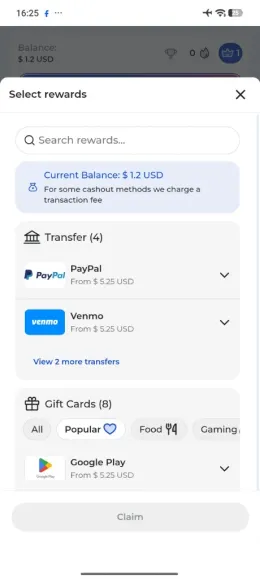
Keep core demographic details consistent across studies—age, household composition, employment sector, and postal code—and avoid running a VPN while answering questionnaires, as location mismatches trigger automatic disqualifications. Once your balance reaches the payout threshold, follow our Prime Opinion cashout guide or see how it compares in Prime Opinion vs. Swagbucks.
How to get started
- Navigate to the Surveys tab from the bottom navigation bar in Prime Opinion.
- Switch between 'Short Surveys' and 'Best Match' to identify rapid completion targets.
- Look for questionnaires marked with promotional booster badges (+25%) and 5-star ratings.
- Answer screener questions honestly and at a steady, natural reading pace.
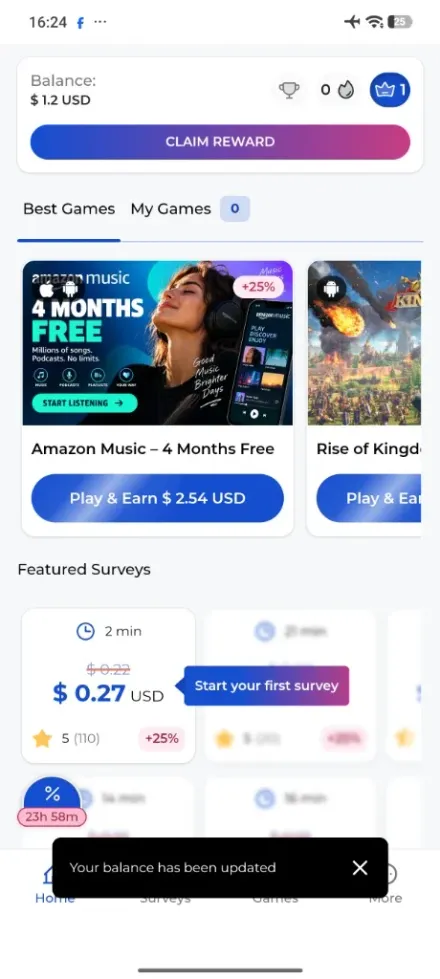
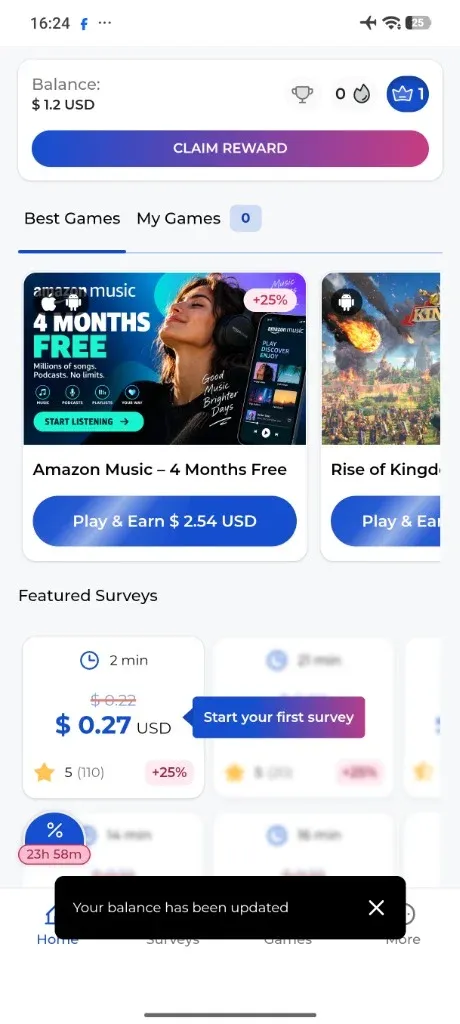
- Confirm completion and see your updated dollar balance reflected in the top bar.
What works well
- Dedicated 'Short Surveys' filter enables 2-minute completions.
- Community star ratings reveal qualification difficulty upfront.
- Promotional +25% bonus multipliers boost baseline payouts.
What to keep in mind
- Quotas on high-paying studies can fill up rapidly during peak hours.
- Inattentive answers can lead to study disqualification.
The apps308 take
By sticking to 2-minute surveys with 5-star community ratings and active bonus boosters, Prime Opinion offers one of the smoothest survey workflows on the web.
Frequently asked questions
Why do some Prime Opinion surveys display a +25% badge?
Promotional booster badges are temporary multipliers applied to selected surveys to increase the base dollar reward while the promotion is active.
How many surveys can I take per day on Prime Opinion?
There is no fixed daily cap. Live inventory refreshes throughout the day depending on research partner demand and your demographic profile.
Why did I get screened out after answering a few questions?
Survey buyers seek narrow demographic quotas (for example, specific age brackets or recent buyers). Once a quota fills or an answer falls outside the target group, the study closes early.
Can I use a VPN while answering Prime Opinion surveys?
No. Market research panels verify IP location against your registered country, so using a VPN can cause immediate disqualifications or account flags.
What should I do if a survey crashes right at the end?
Note the approximate time, reward amount, and survey ID if visible, and report it through the in-app Prime Opinion help center so support can inspect the completion log.