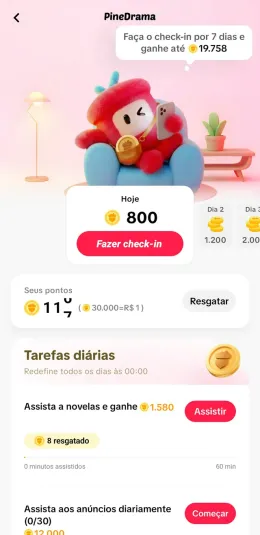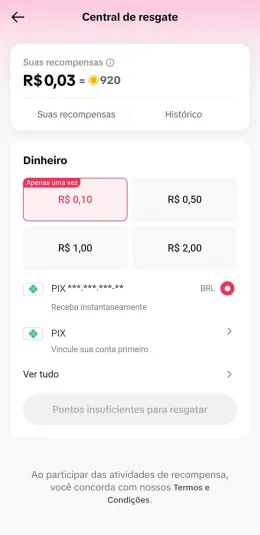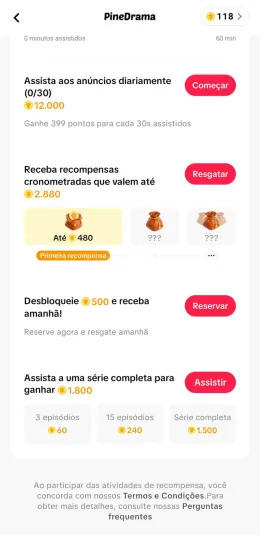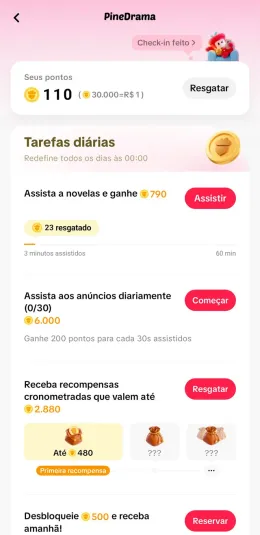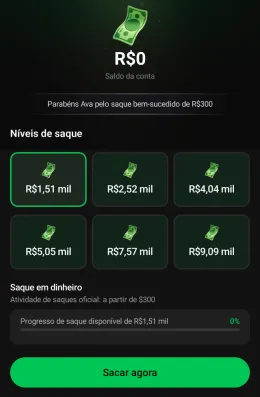
PineDrama (published by TikTok Pte. Ltd.) provides official mobile apps for Android and iPhone through its shortdrama.tiktok.com portal, while desktop users often search for a Windows or macOS player. This technical installation and account guide explains how to verify the authentic Google Play and App Store packages, sync your TikTok watch history across devices, recover missing episode progress, and avoid fake 'PineDrama for PC' APK installers.
Android: identify the official Google Play listing
Open the Google Play link below and check PineDrama - Short Dramas, publisher TikTok Pte. Ltd. and package com.ss.android.ttmd.video. A similar name or icon on a third-party APK website is not enough to identify the genuine app. The official shortdrama.tiktok.com portal links directly to this Google Play package, and you can inspect our full PineDrama app legitimacy and safety review for background on how TikTok operates the platform.
Let Google Play check compatibility with your Android version and account region automatically. If installation is unavailable in your country, read the store notice rather than sideloading modified APKs that promise 'unlimited coins.' The store listing includes optional in-app purchases, while regional reward campaigns are covered separately in our PineDrama Rewards and cash withdrawal breakdown.
PineDrama: official Google Play listing
PineDrama Official Download, Login & Platform Support Matrix (2026)
| Platform / Feature | Verified Official Status | What to Check Before Installing |
|---|---|---|
| Android (Google Play) | Official app: package com.ss.android.ttmd.video (TikTok Pte. Ltd.) | Install only via Google Play or shortdrama.tiktok.com; avoid modded APK files |
| iPhone & iPad (App Store) | Official app: App Store ID 6754134922 (TikTok Ltd. / TikTok Pte. Ltd.) | Verify iOS version compatibility and check any in-app purchase terms in your region |
| PC / Windows / macOS | No standalone desktop installer; shortdrama.tiktok.com is a mobile download portal | Avoid third-party 'PineDrama PC .exe' downloads; use official Android or iOS apps |
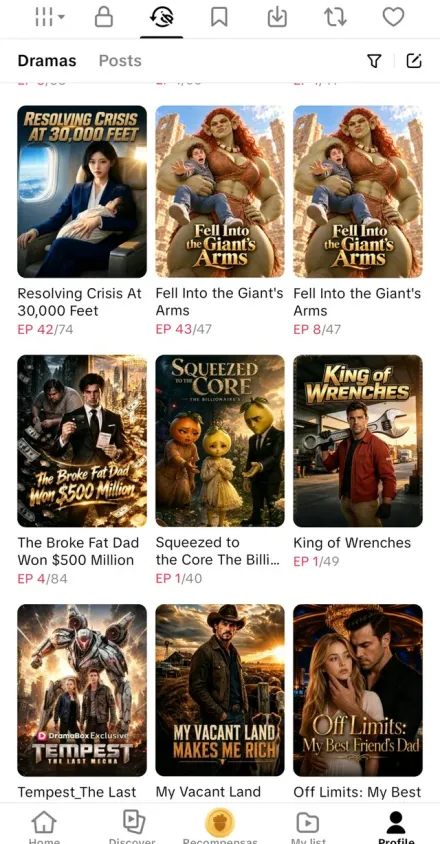
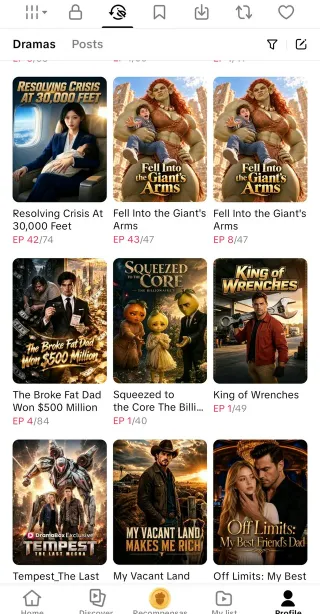
| Account Sync & Watch History | TikTok account login syncs Profile > Dramas (e.g., EP 42/74) and My List | Log in with the same TikTok method after reinstalling to restore saved episode progress |
iPhone and iPad: use the official App Store listing
The official portal links to PineDrama - Short Dramas in the Apple App Store under app ID 6754134922, listing developer TikTok Ltd. and seller TikTok Pte. Ltd. Open the listing in your own Apple ID region to confirm iOS compatibility and storage requirements before installing.
The App Store page lists optional in-app purchases and auto-renewing plans where offered. Always check the billing summary on your iOS purchase sheet before confirming any subscription, and manage renewals under Settings -> Apple ID -> Subscriptions.
PineDrama: official App Store listing
TikTok login and recovering missing episode progress
PineDrama supports one-tap TikTok account login so your watch history, unlocked episodes, and preferences stay linked to your profile. In the Android interface, Profile -> Dramas logs exact episode checkpoints (such as EP 42/74 on Resolving Crisis At 30,000 Feet or EP 43/47 on Fell Into the Giant's Arms), while My List stores bookmarked series.
If your series history disappears after switching phones or reinstalling, first verify that you signed back in with the exact same TikTok login method (phone number, email, Google, or Apple ID) rather than creating a fresh guest profile. Next, search the title directly in Discover and check Profile -> Dramas to see if your episode marker is still stored.
Can you watch PineDrama on a PC or laptop?
On desktop browsers, visiting shortdrama.tiktok.com displays an official landing page with QR codes and store badges for Google Play and the App Store rather than a full browser-based episode player. TikTok Pte. Ltd. does not publish a native Windows (.exe) or macOS (.dmg) desktop client for PineDrama.
Because there is no official PC executable, avoid third-party download sites advertising 'PineDrama PC installer' bundles, which frequently wrap adware or unofficial emulators. Stick to the verified Android and iOS store apps, and compare how PineDrama stacks up against competing vertical drama apps in our PineDrama vs. DramaStack comparison and our 2026 short drama apps comparison.
Find the full series rather than another short clip
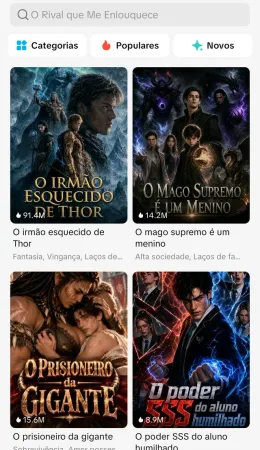
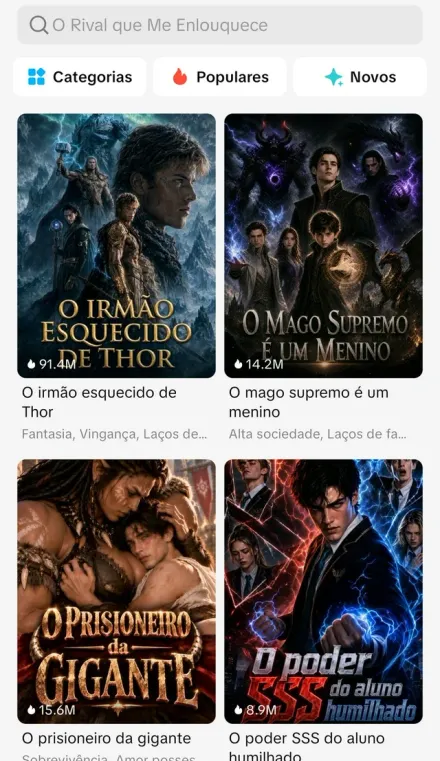
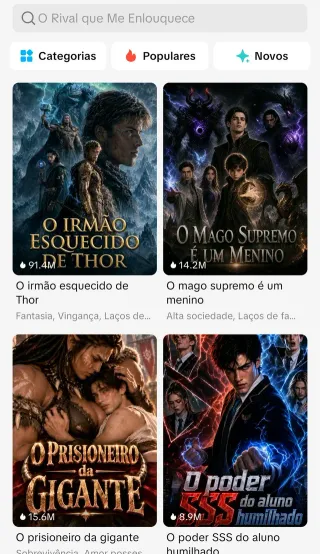
Clips posted on TikTok or Reels often omit the series title or stop after a cliffhanger. Inside PineDrama, open the Discover tab to use the top search bar or filter by Categories, Popular, and New. Once you open the series page, tap the episode selector grid to jump straight to the chapter where your social clip ended.
Tap the bookmark icon to save the drama to My List before watching so you never have to hunt for the promotional clip again. Catalog availability, audio dubbing, and subtitle tracks vary according to your store region.
How to get started
- Open the official PineDrama portal (shortdrama.tiktok.com) and select Google Play or the App Store for your mobile device.
- Confirm the publisher (TikTok Pte. Ltd.) and official package ID (com.ss.android.ttmd.video on Android or ID 6754134922 on iOS).
- Install the app and sign in through the built-in TikTok login flow to enable cloud history sync.
- Use the Discover search bar or Categories/Popular filters to locate the full drama series from a social clip.
- Bookmark the series to My List and check Profile > Dramas to resume from your exact episode number.
What works well
- Official Google Play and App Store listings verified under TikTok Pte. Ltd.
- TikTok account sync preserves exact episode checkpoints (Profile > Dramas) and saved watchlists.
What to keep in mind
- No native Windows, macOS, or browser web player is available on shortdrama.tiktok.com.
- Catalog titles, language dubs, and regional features vary by country.
The apps308 take
Install PineDrama exclusively through the official Google Play (com.ss.android.ttmd.video) or App Store (ID 6754134922) links, link your TikTok account to protect episode progress, and skip third-party PC installers.
Frequently asked questions
Is there an official PineDrama PC download?
No. TikTok Pte. Ltd. does not offer a standalone Windows or macOS installer, and shortdrama.tiktok.com functions as a download portal that redirects to Google Play and the Apple App Store.
Is PineDrama available for iPhone and iPad?
Yes. The official portal links to PineDrama - Short Dramas on the Apple App Store under app ID 6754134922.
Why did my PineDrama watch history disappear?
History loss usually happens when opening the app in Guest mode or signing in with a different TikTok login method. Sign in with the exact same TikTok account and check Profile > Dramas and My List.
Does downloading PineDrama unlock every episode for free?
The app is free to install and offers free ad-supported viewing on many titles, though both official store listings note optional in-app purchases depending on your region.